



Understand contracts faster, edit cleanly, and optimize texts in minutes
The role of Legal is changing visibly: moving away from “pure support” and toward a team that actively shapes decisions. At the same time, day-to-day pressure is rising: more contracts, more alignment, more time pressure – and quality still has to hold up.
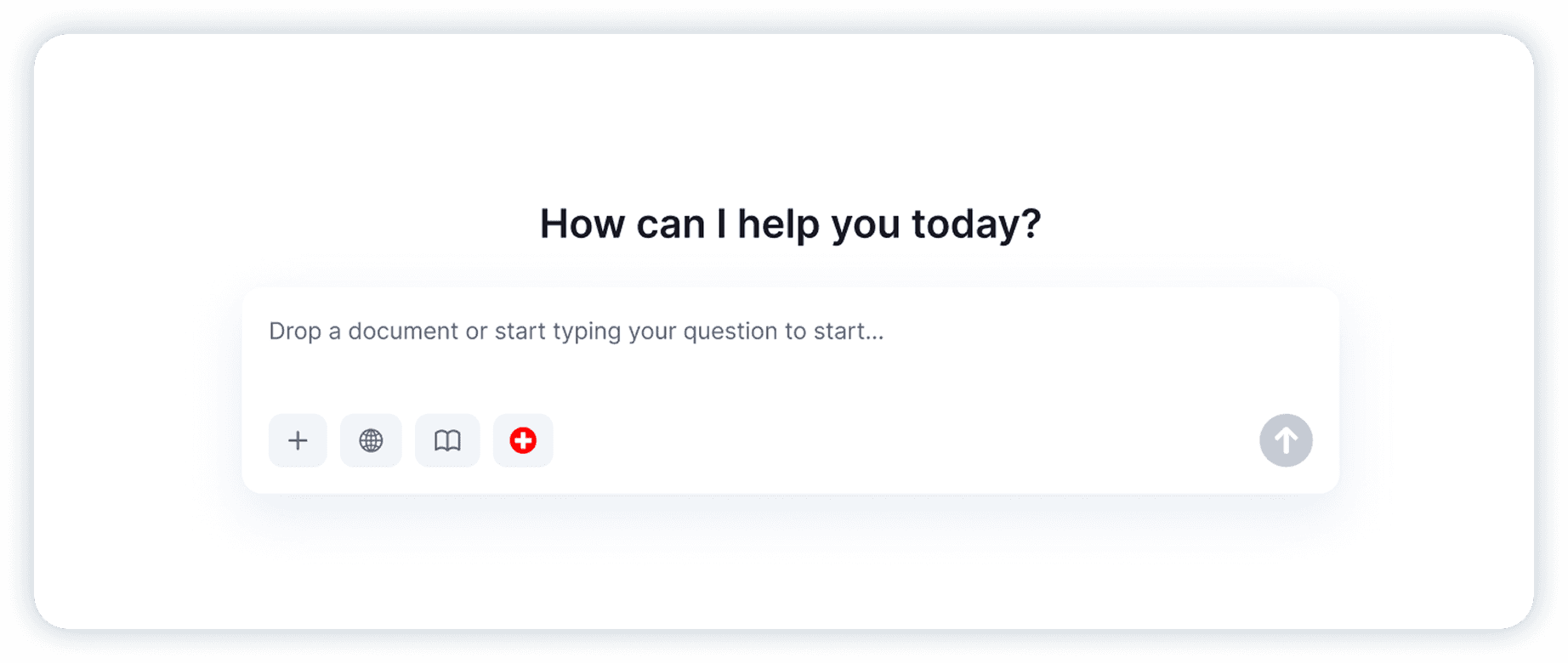
That’s exactly where the CASUS AI Chat comes in: it helps you understand documents faster, pinpoint relevant sections, and implement changes cleanly in the contract – without hours of searching, copy-paste, or manually updating cross-references.
What matters is not only that an AI answers, but how it answers: precise, traceable, ideally tied to specific passages so you can keep working immediately.
The CASUS AI Chat is available where legal work actually happens – in Microsoft Word. That means you can ask questions, navigate to relevant clauses, and apply changes without switching tools or copying content back and forth. You stay in the document, keep full context, and move from analysis to clean edits in one continuous workflow.
What an AI chat actually delivers in day-to-day legal work
An AI chat for lawyers isn’t a “nice chatbot” that paraphrases random stuff. In a legal context, what counts is: orientation, speed, and reliability in your working logic. You ask questions like you would in an internal alignment – and you get answers that move you to the point faster.
In practice, this helps especially with three things:
Faster overview, without reading every contract from start to finish
Targeted navigation, instead of search + 20 hits
Efficient execution, when changes affect multiple places
Use Case 1: Understand legal documents quickly and navigate precisely
Many contract questions are actually straightforward – finding the right section is what takes time. Typical “hotspots” include liability, termination, term, pricing logic, data protection, jurisdiction, or definitions. You know what you’re looking for, but you want to jump to the exact clause fast.
The AI chat supports you by letting you ask directly and getting a structured entry point immediately. Example prompts:
“What liability risks arise for Party A?”
“How is termination regulated in this contract?”
“What are the total costs for Party A over 10 years?”
Tip for better results: Don’t just ask for an explanation – ask for evidence. Phrases like “show me the relevant passages” or “briefly quote the clause and put it into context” make the output much more usable.
Use Case 2: Immediate contract edits with Agent Mode
The real time sink is often not analysis, but execution. Changing a termination period sounds simple – until you realize it affects multiple places: the main clause, definitions, annexes, cross-references, possibly even an order-of-precedence clause.
In Agent Mode, the AI chat implements changes directly in the document: it finds relevant sections, suggests concrete replacement language, checks consistency, and references affected passages. Typical changes:
“Make this contract buyer-friendly: change the termination clause to a 30-day notice period.”
“Add a contractual penalty of CHF 100,000.”
“Add a clause that ensures GDPR-compliant processing of personal data.”
To make the result “legally clean,” these mini-inputs work particularly well:
Direction: buyer-friendly / supplier-friendly / neutral
Constraints: what must not be changed
Output format: new wording + affected sections
Use Case 3: Optimize emails and texts – tone, length, language
Legal work isn’t just contracts. A large part is communication: follow-ups, negotiation emails, internal updates, short risk summaries for management. Often the substantive work is done – but the text still needs to be worded clearly, professionally, and purposefully.
The AI chat helps you get content into the right form faster, for example:
Tone: friendly, firm, formal, de-escalating
Length: cut to 120 words, executive summary, “only what’s necessary”
Language: DE/EN, or consistently in Swiss style
Examples:
“Rewrite this email to be friendly but firm, and shorten it to max. 120 words: [Text].”
“Turn this into a follow-up email after 5 business days, including a clear deadline and next step: [Text].”
“Optimize this email for a negotiation: clear position, but with 2–3 solution options: [Text].”
Conclusion
The CASUS AI Chat delivers three very tangible benefits in day-to-day legal work: faster orientation in documents, cleaner edits via Agent Mode, and significantly more efficient communication in emails and texts. That creates real breathing room in daily operations – so Legal has more time for the topics where legal experience and negotiation skills truly matter. For a broader overview beyond the chat workflow, our guide to AI for lawyers covers use cases, risks, and tool selection.
FAQ
Can I identify contract risks faster with the AI chat?
Yes – especially for typical risk areas such as liability, termination, pricing logic, or data protection. It works best when you also request the relevant passages and then quickly verify them yourself.
Is Agent Mode suitable for negotiations?
Very much so for operational execution: alternative wording, document edits, consistency across multiple sections. Strategy and trade-offs should still be steered by lawyers.
Does the AI chat help beyond contracts?
Yes. For emails, follow-ups, internal summaries, or multilingual work, it saves time because you can refine content and tone in just a few iterations.


